▶ Watch the 2-minute walkthrough
Tip: tap the ⛶ fullscreen button for a bigger view.
Pay your IPTV invoice with any credit card, PayPal, Apple Pay, or Google Pay — using a gift card from G2A.com. This guide walks you through every step.
???? STOP — Read this before you start
The most common mistake customers make is entering the gift card code on the wrong website. Here is the correct flow:
- You will buy a Rewarble gift card on G2A.com
- G2A will email you a 16-character activation code
- ⚠ Paste that code on your invoice page on OPTIMEDIA.TV — NOT on rewarble.com
If you enter the code on rewarble.com instead, the money goes into your personal Rewarble account. We have no way to transfer it to ours, and your invoice will stay unpaid.
Step-by-step instructions
10 short steps, takes about 2 minutes. Tap any image to enlarge.
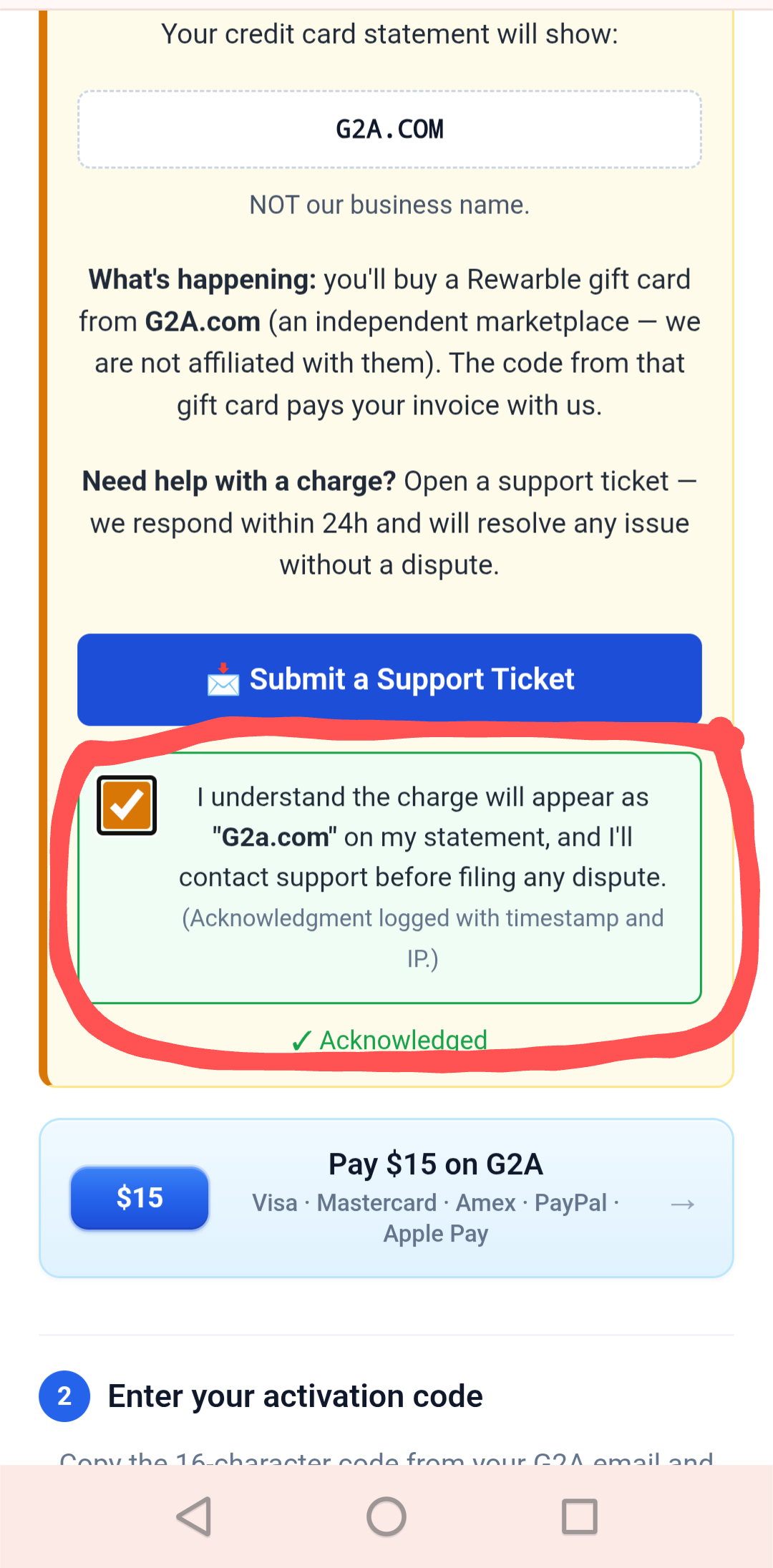
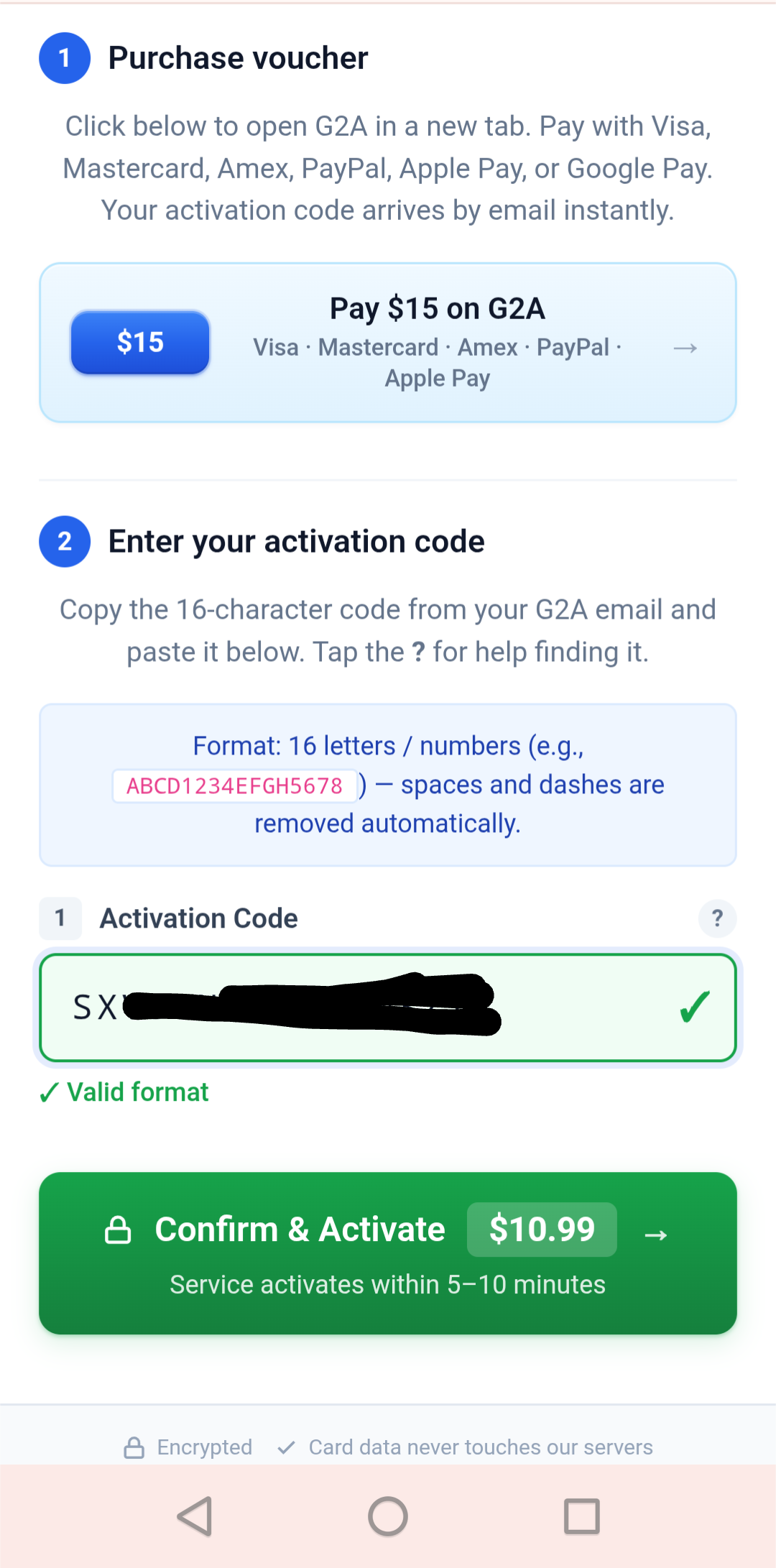
On your invoice page, tick the two red acknowledgment checkboxes. Then tap the "Pay $X on G2A" button (where X is your invoice total).
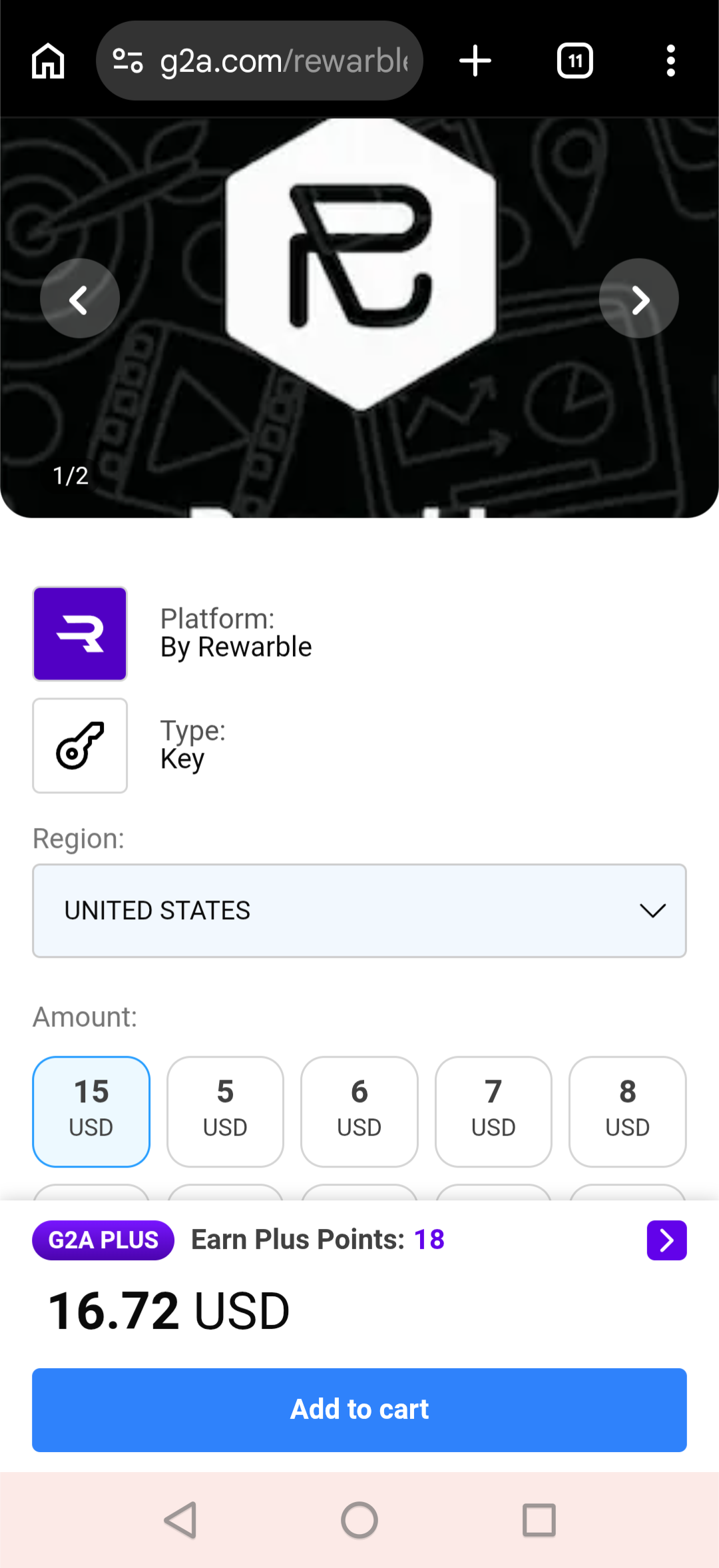
You'll land on the Rewarble gift card page on G2A.com. Leave the amount and country as-is, then tap "Add to cart".
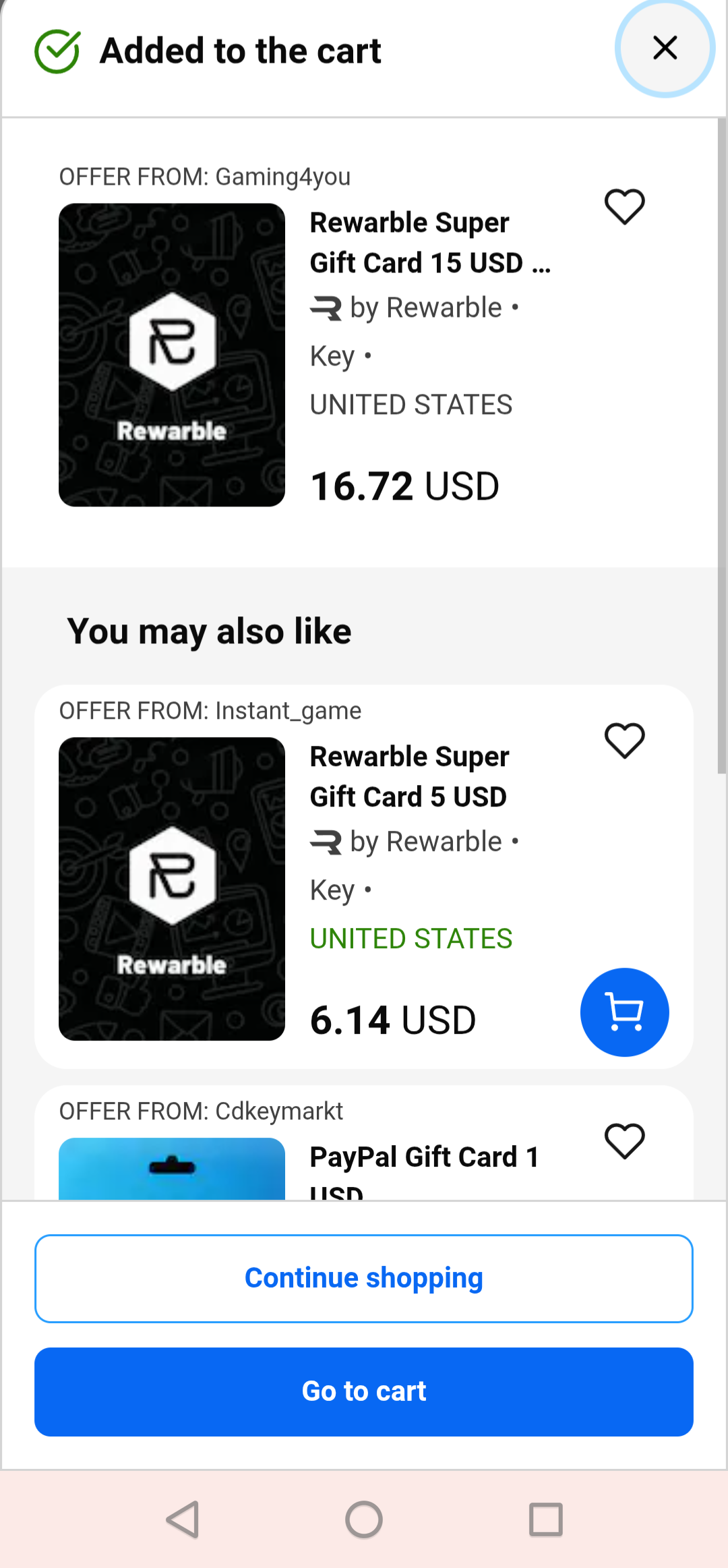
G2A shows a confirmation popup. Tap "Go to cart".
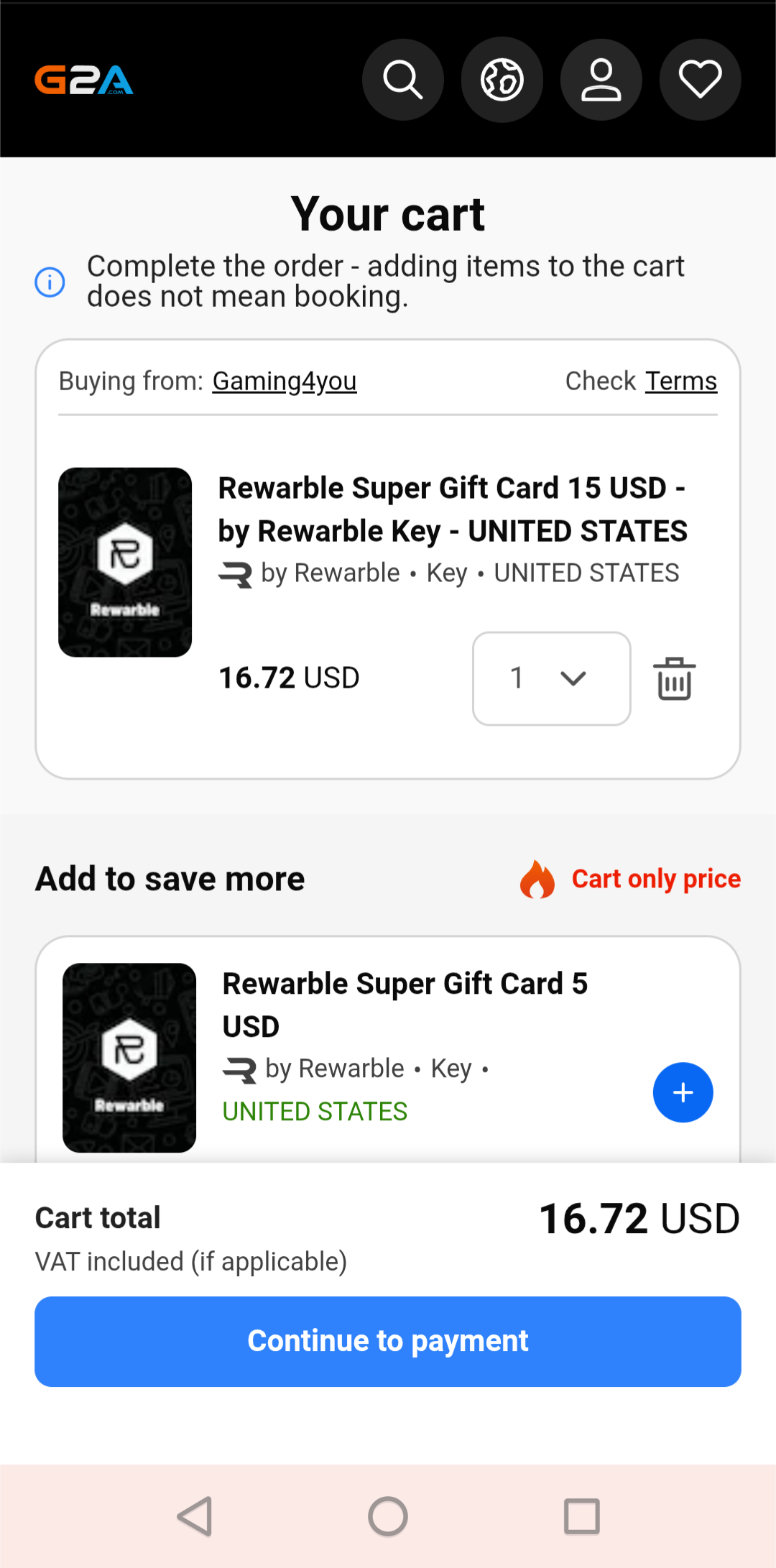
Review your cart, then tap "Continue" or "Pay" to proceed to checkout.
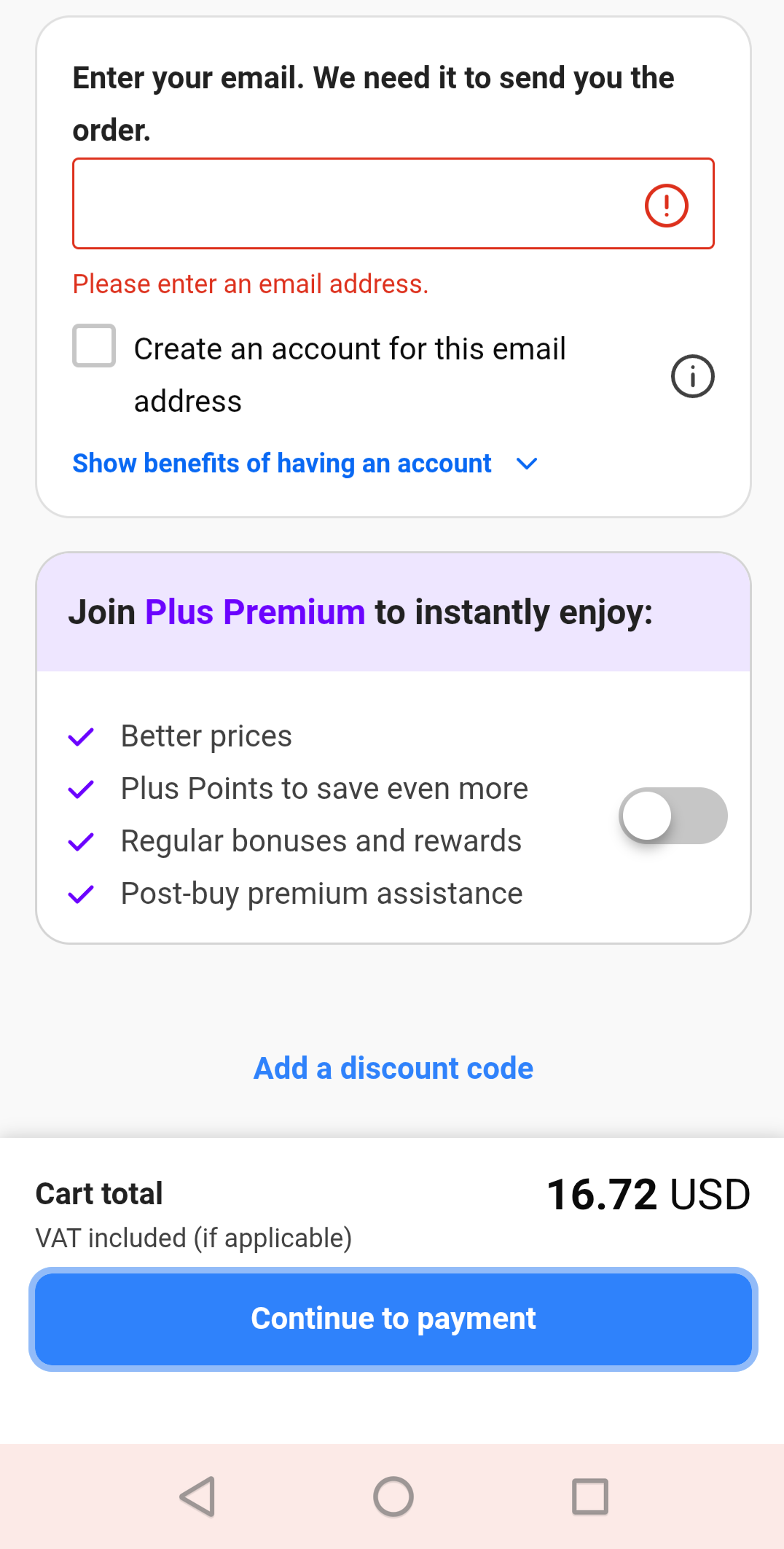
G2A will send the activation code to this email. Use your real email — you'll need to open the email in the next step.
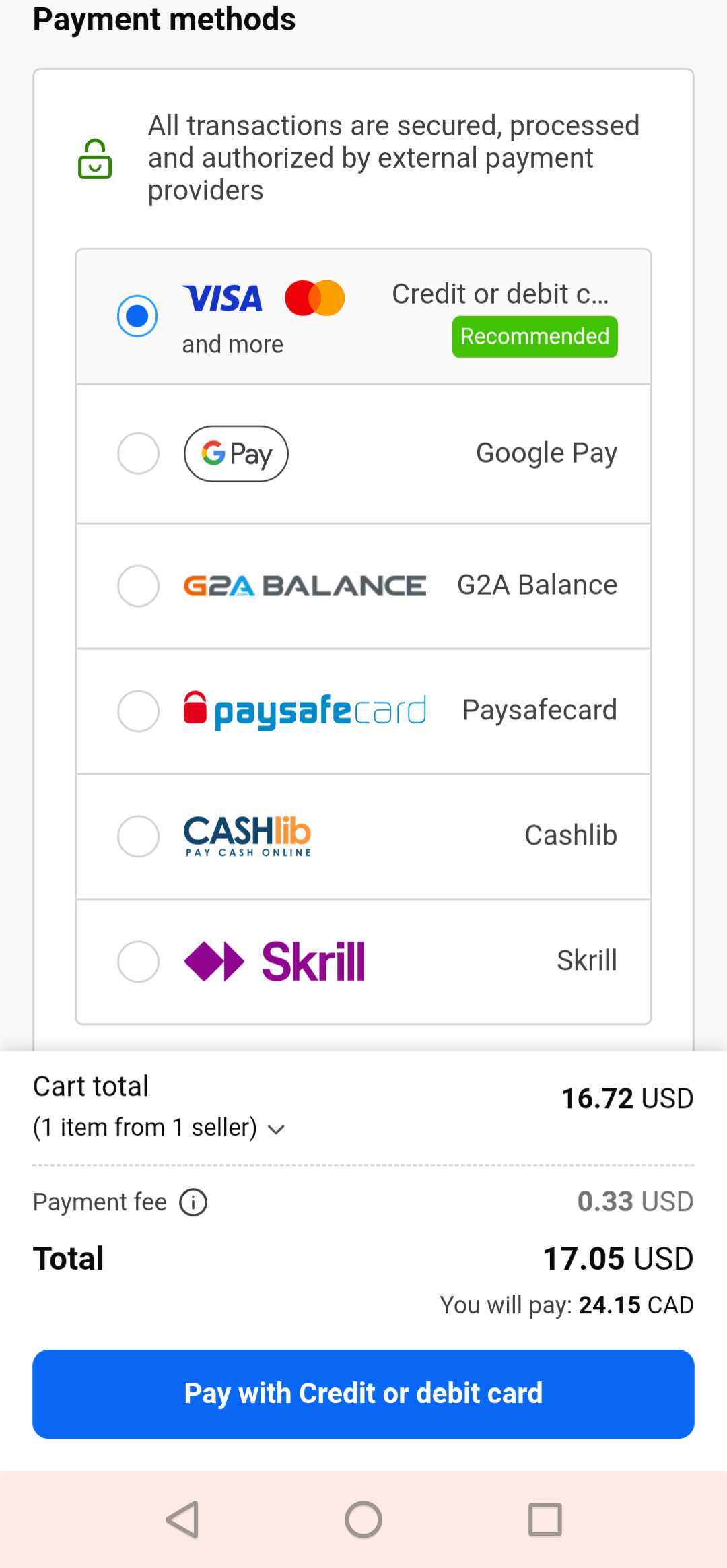
Pick credit card, PayPal, Apple Pay, Google Pay, or whichever option you prefer. Complete the payment on G2A.
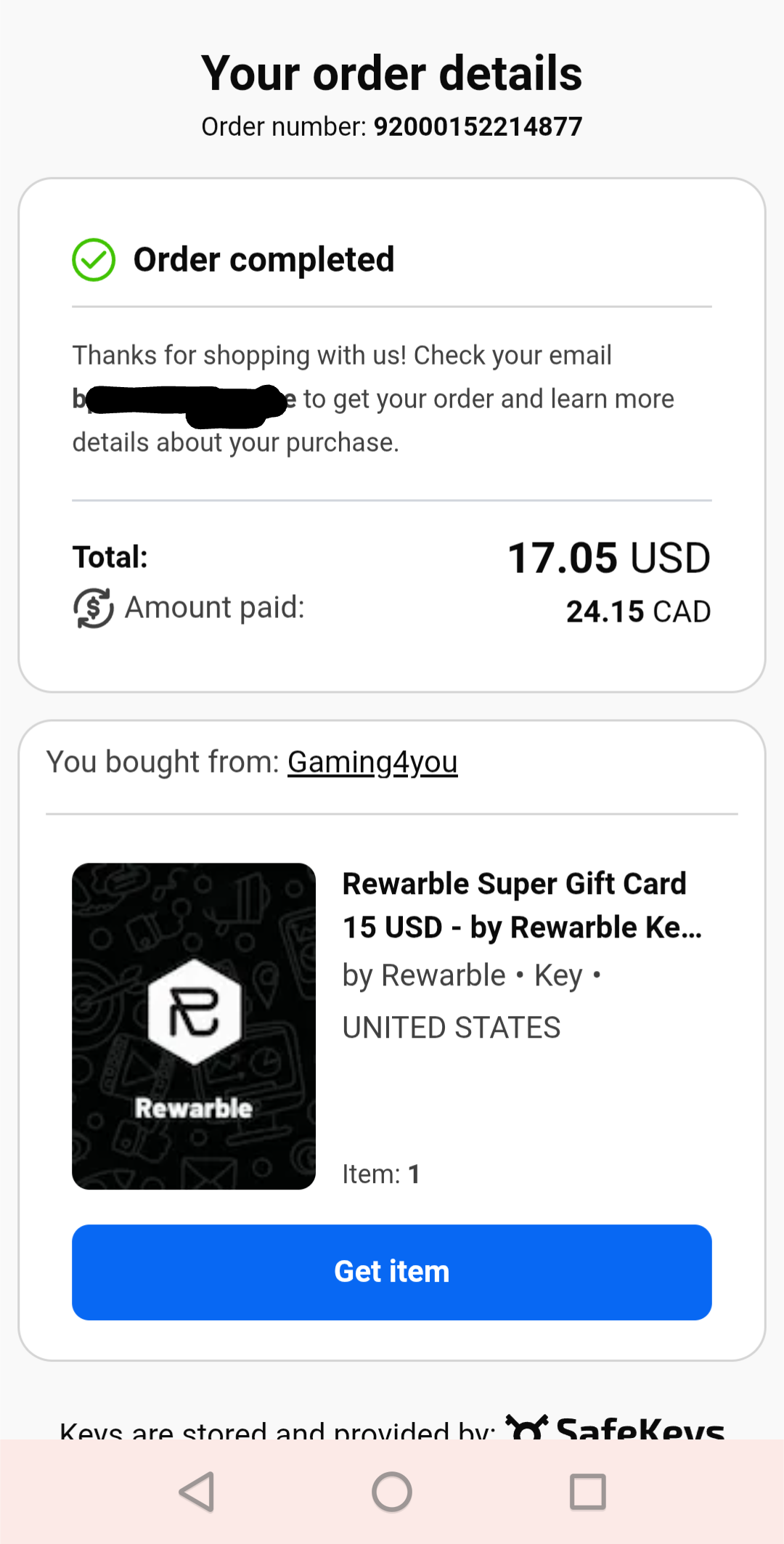
After payment, G2A shows an order-completed confirmation page. Within a few seconds, you'll receive an email from G2A with subject "You bought Rewarble Super Gift Card".
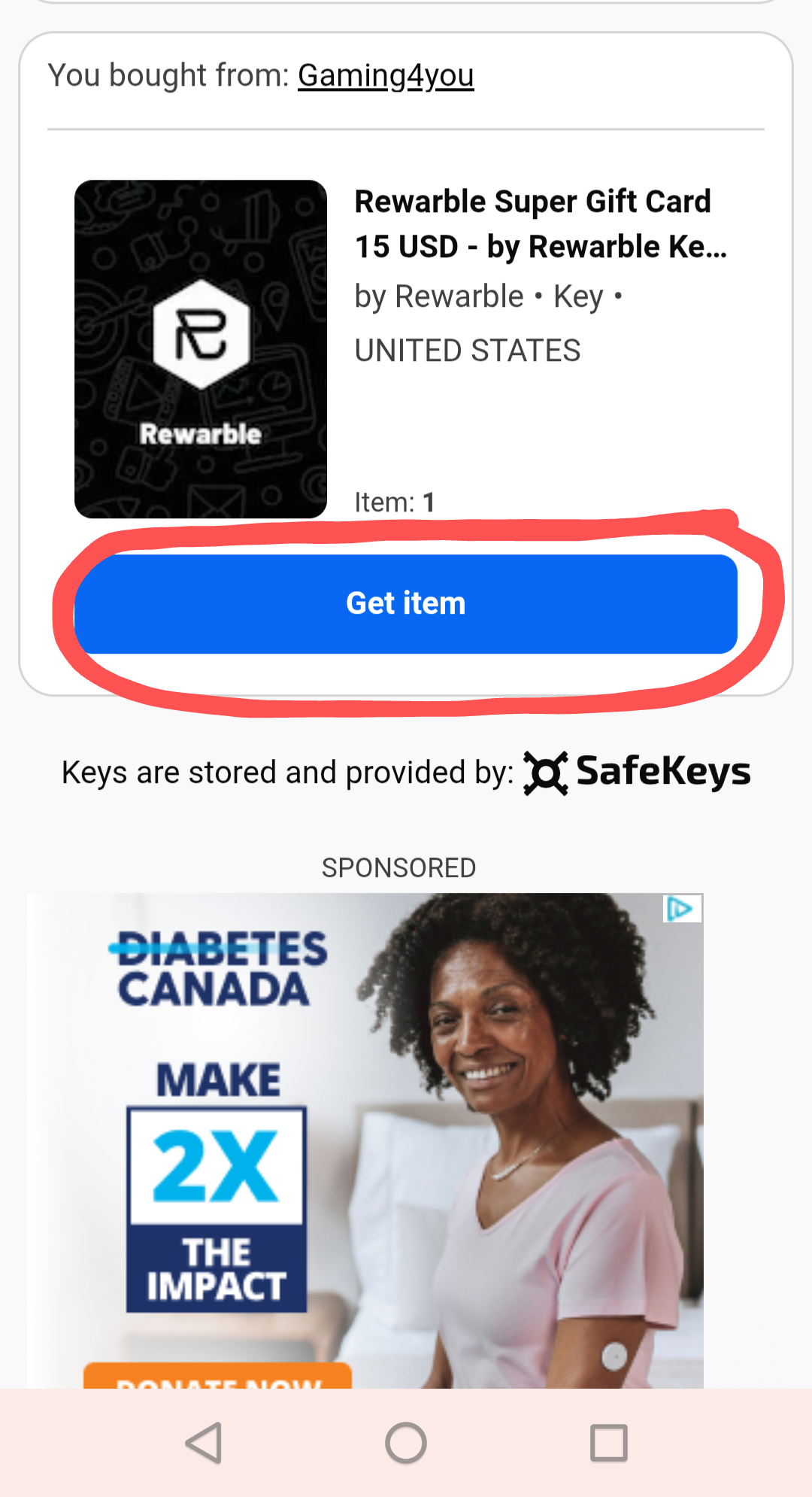
Open the email from G2A. Find the message with subject "You bought Rewarble Super Gift Card", and tap the "Get order" button (or the "Get item" button on the G2A page).
You'll see a page with a CODE (you do not need the Serial — just the Code) like ABCD1234EFGH5678. Copy the 16 characters.
⚠ DO NOT click "Redeem" on Rewarble's page. Just copy the code.
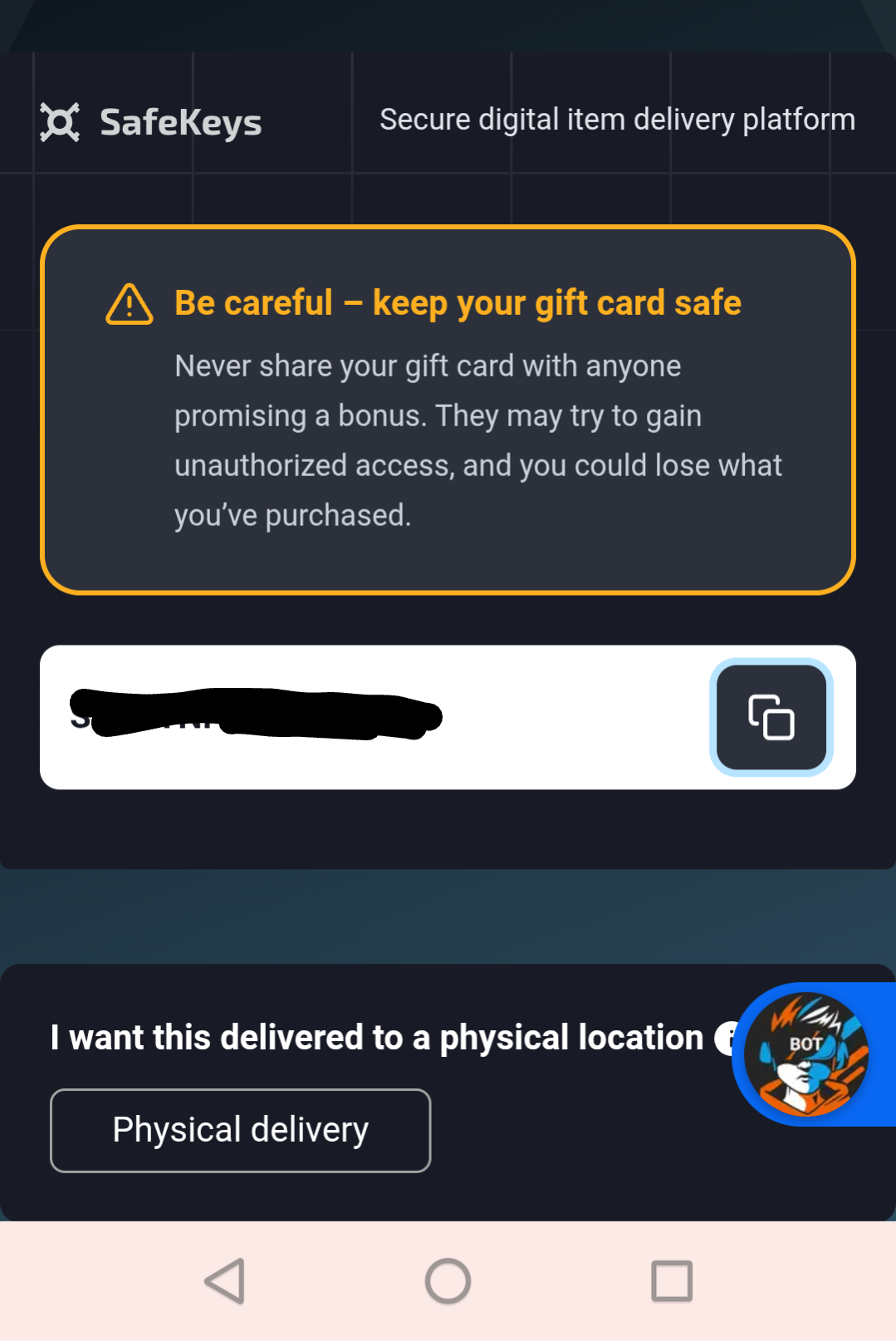
Switch back to your invoice page on optimedia.tv. Paste the 16-character code in the "Activation Code" field and tap submit.
✓ Your invoice will be paid automatically within a few seconds, and your service will activate.
❗ Important reminders
- Paste the code on OUR invoice page (optimedia.tv), not on rewarble.com.
- If you accidentally redeem on rewarble.com, your money goes into your personal Rewarble account — we have no way to retrieve it. You can recover by withdrawing your Rewarble balance to crypto/USDT and sending it to us, but that's an extra step.
- Buy the exact voucher amount shown on your invoice page. Smaller vouchers won't fully pay the invoice.
- Your credit card statement will show G2A.COM — not our business name. Contact our support before filing any dispute.
Need help?
If you have any issues, please open a support ticket. We'll respond as quickly as possible.